How to use PPQ's Private (TEE) AI models via our API and with OpenClaw
You can now use PPQ.AI's private encrypted models via API or in OpenClaw.
What are "TEE" AI models?
TEE (Trusted Execution Environment) AI models allow users to run AI queries in the cloud and on remote servers without those servers having access to the content of the users' queries. This delivers one of the best AI capability to privacy tradeoffs in the industry currently.
How to leverage these models using PPQ?
The trick in using private models is that you need to encrypt the content of your request before sending them onto PPQ and its AI provider. With our proxy repo below, you encrypt the queries on your machine before they leave -- neither PPQ.AI nor anyone else can read them. To get started, head over to the plugin's GitHub page for full installation and configuration instructions:
→ github.com/PayPerQ/ppq-private-mode-proxy
The proxy in the repo supports both standalone use cases with your own custom code as well as usage inside of openclaw.
Using private models with Claude Code
The proxy also exposes a native Anthropic endpoint (/v1/messages), so you can use private models directly inside Claude Code — including tool use and streaming. Start the proxy, then point Claude Code at it:
bash# 1. Start the proxy (leave running) PPQ_API_KEY=sk-your-key npx ppq-private-mode # 2. Point Claude Code at the proxy and launch it export ANTHROPIC_BASE_URL="http://127.0.0.1:8787" export ANTHROPIC_AUTH_TOKEN="sk-your-key" export ANTHROPIC_MODEL="private/glm-5-3" export ANTHROPIC_SMALL_FAST_MODEL="private/glm-5-3-flash" claude
See our full Claude Code guide for VS Code extension setup and more.
Available Private Models
| Model | Best For |
|---|---|
private/kimi-k3 | Recommended. Moonshot flagship multimodal MoE, reasoning, strong coding, best in openclaw and for agentic tasks |
private/gpt-oss-120b | Budget-friendly general use |
private/llama3-3-70b | Fast |
private/glm-5-3 | Agentic engineering, long-horizon tool use, 1M context |
private/glm-5-3-flash | Fast, low-cost vision + reasoning, 1M context |
private/gemma4-31b | Vision-language with built-in thinking mode |
private/deepseek-v4-1-flash | Multimodal refresh with vision input, 1M context |
What is PayPerQ?
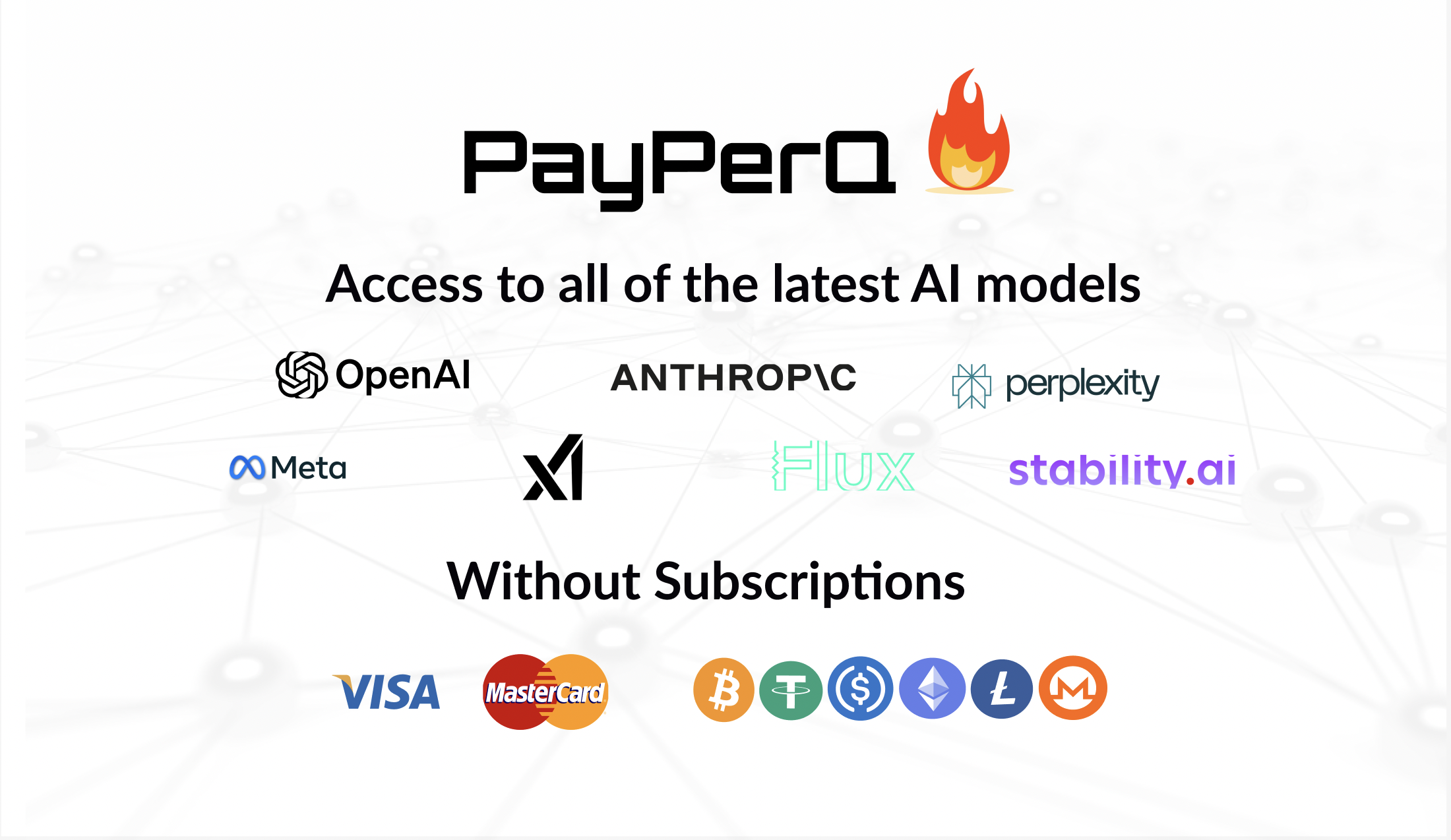
PayPerQ is the private way to use AI. You get the big-name models from Anthropic, OpenAI, Google and xAI, the best open-source models, and TEE models that run inside a hardware enclave where not even the model's host can see your data. Chat, image, video and audio, all in one place, with no account and no subscription. You top up a balance with crypto or a card, from as little as 10 cents, and pay only for what you use. Most users spend about $4 a month, against $20+ for a single ChatGPT subscription.
Privacy is built in rather than bolted on. Every chat request is served inside a secure enclave that PayPerQ's servers, staff and logs cannot read into, so PayPerQ never sees your prompts or responses. Choose a TEE model and the model's host cannot read them either.
Why Use PayPerQ?
- Private by default - chats are served inside a secure enclave PayPerQ cannot read, and every chat model shows its privacy tier (Anon, ZDR or TEE)
- No account needed - no sign-up and no email; a credit id is all it takes
- Pay with crypto or card - Bitcoin, Lightning, Monero, stablecoins and more, or a credit card
- Hundreds of AI models from every major provider in one place
- Pay per use - no subscriptions; top up from 10 cents and pay only for what you use, about 1 cent per query on average
- Your history stays yours - conversations are stored on your device by default
Getting Started
- Visit ppq.ai
- Top up your balance with crypto or a card (as little as 10 cents)
- Pick a model, check its privacy tier, and start chatting
No account, no sign-up. Fund and go.
Questions?
Contact support via the PPQ.AI chatbot at ppq.ai or join the Telegram channel for help.