Introducing Memory on PayPerQ
PayPerQ now remembers important facts and context across your chats. It's optional, and any memories saved can be read or deleted as desired.
Memory is here
PayPerQ can now automatically remember important facts and context across your chats.
Tell it once that you prefer short answers, that you write in British English, or that you're working on a Next.js app, and it carries that forward. You stop reintroducing yourself every time you open a new chat.
Memory is on by default. If you'd rather it wasn't, you can turn it off in Settings, or flip it off for a single conversation using the Memory toggle in the chat bar.
What it saves
Memory keeps a list of short, durable facts — not transcripts of your conversations. Your preferences, your projects, the context you'd otherwise have to repeat or remind the model every session.
It also updates itself. If you tell it you've switched from Postgres to SQLite, it revises the fact rather than keeping both.
It's capped at 2,000 tokens by default, so it stays a short profile rather than a growing archive. You can raise or lower that limit in Settings.
You can see and delete everything
Open Memory Settings and select Manage list of memories, and you'll find every fact PayPerQ has saved about you, listed in plain text.
Delete them one at a time, select several at once, or clear the whole thing. Turning memory off gives you the option to wipe everything in the same action. Nothing is hidden from you, and nothing sticks around because it was hard to find.
Where your memory is stored
If you don't have an account, your memory is stored in your browser's local data.
If you do have an account, you can turn on sync and it's stored on our servers instead, so it follows you between devices.
And if you've set up a passkey, that server copy is encrypted with your key before it ever leaves your device. We hold it, but we can't read it.
How your memory reaches the model
Storage is only half the story. For memory to be useful, the model actually has to see it.
So when memory is on, PayPerQ attaches your saved facts to the system prompt of your message. They travel with that request exactly the way the rest of your conversation does — through our backend, then out to whichever model provider you picked. (Memory is a paid-model feature; free models never receive your saved facts.)
Three things are worth knowing about that.
It sends the whole list, not a relevant slice. There's no step that picks out which facts matter for the question you just asked. The model receives all of them and decides what's useful. That's part of why memory is capped.
It inherits the privacy of the model you chose. On a normal model, your facts sit in the prompt like any other text — readable in transit by us and by the provider. On a Private model, the ones marked (Encrypted) in the model picker, the entire request is end-to-end encrypted, and your memory is encrypted right along with it.
It carries no identity. PayPerQ doesn't require an account, and we attach nothing to the request that identifies you — no name, no email, no login. What reaches the provider is anonymous.
If you'd rather a particular conversation not carry any of this, flip the Memory toggle off in the chat bar. Nothing gets attached, and nothing gets saved from it either.
The private part
There's one step in any memory feature that has to read your raw conversation: deciding what's worth remembering in the first place.
On PayPerQ, that step runs inside a secure enclave.
We use Tinfoil for these requests. The body of the request — your actual conversation — is encrypted in your browser, stays encrypted as it passes through our servers, and is only decrypted inside hardware-attested confidential computing GPUs. Our proxy can see routing metadata like which model you asked for, but never what you wrote.
So the moment where PayPerQ reads your chat to decide what to write down is the moment we're least able to see it. It's the same technology behind our Private models.
How to Use on PayPerQ

What is PayPerQ?
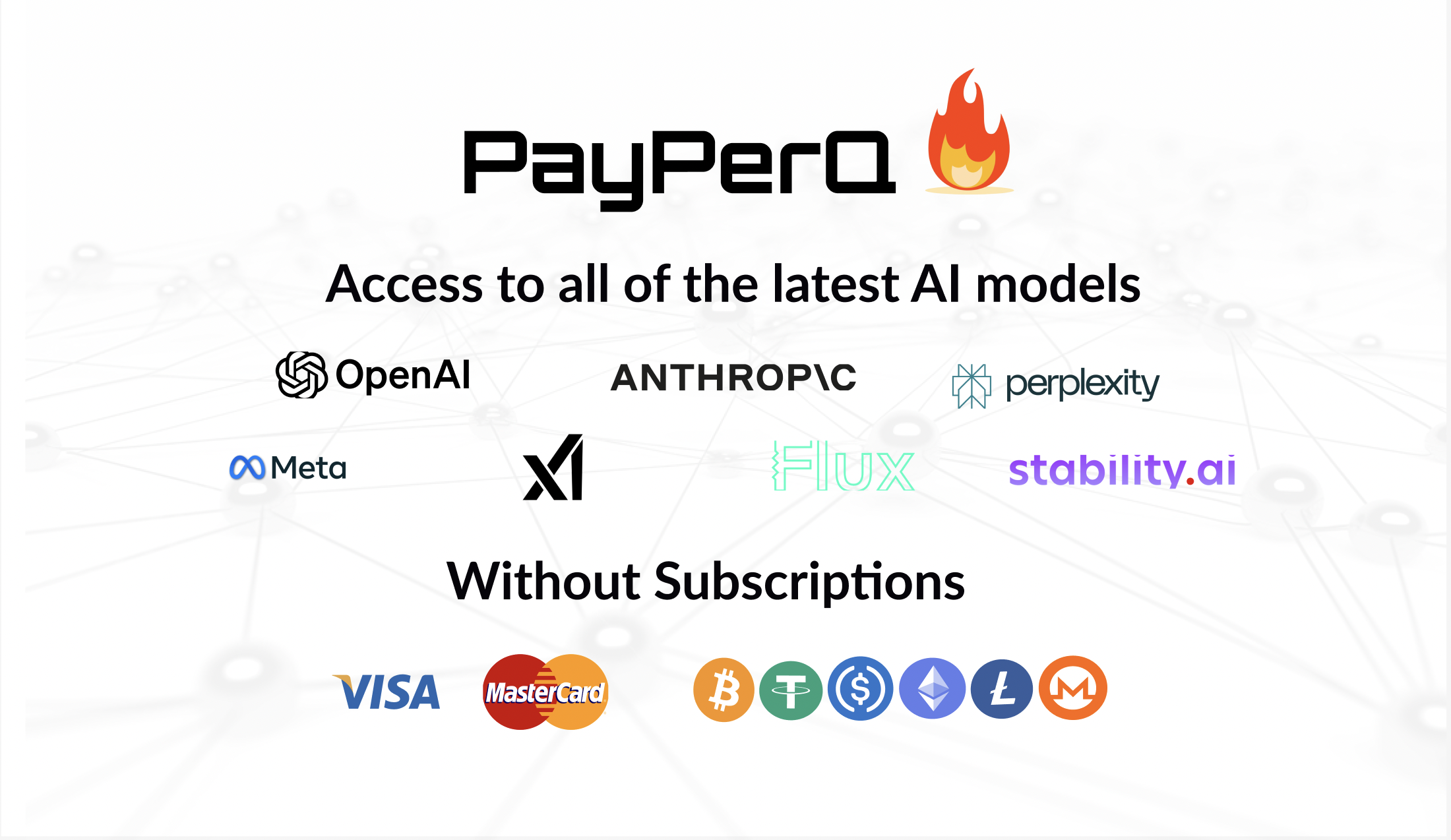
PayPerQ is the private way to use AI. You get the big-name models from Anthropic, OpenAI, Google and xAI, the best open-source models, and TEE models that run inside a hardware enclave where not even the model's host can see your data. Chat, image, video and audio, all in one place, with no account and no subscription. You top up a balance with crypto or a card, from as little as 10 cents, and pay only for what you use. Most users spend about $4 a month, against $20+ for a single ChatGPT subscription.
Privacy is built in rather than bolted on. Every chat request is served inside a secure enclave that PayPerQ's servers, staff and logs cannot read into, so PayPerQ never sees your prompts or responses. Choose a TEE model and the model's host cannot read them either.
Why Use PayPerQ?
- Private by default - chats are served inside a secure enclave PayPerQ cannot read, and every chat model shows its privacy tier (Anon, ZDR or TEE)
- No account needed - no sign-up and no email; a credit id is all it takes
- Pay with crypto or card - Bitcoin, Lightning, Monero, stablecoins and more, or a credit card
- Hundreds of AI models from every major provider in one place
- Pay per use - no subscriptions; top up from 10 cents and pay only for what you use, about 1 cent per query on average
- Your history stays yours - conversations are stored on your device by default
Getting Started
- Visit ppq.ai
- Top up your balance with crypto or a card (as little as 10 cents)
- Pick a model, check its privacy tier, and start chatting
No account, no sign-up. Fund and go.