Introducing Passkey-Encrypted Chats - End-to-End Encrypted Conversation Sync on PayPerQ
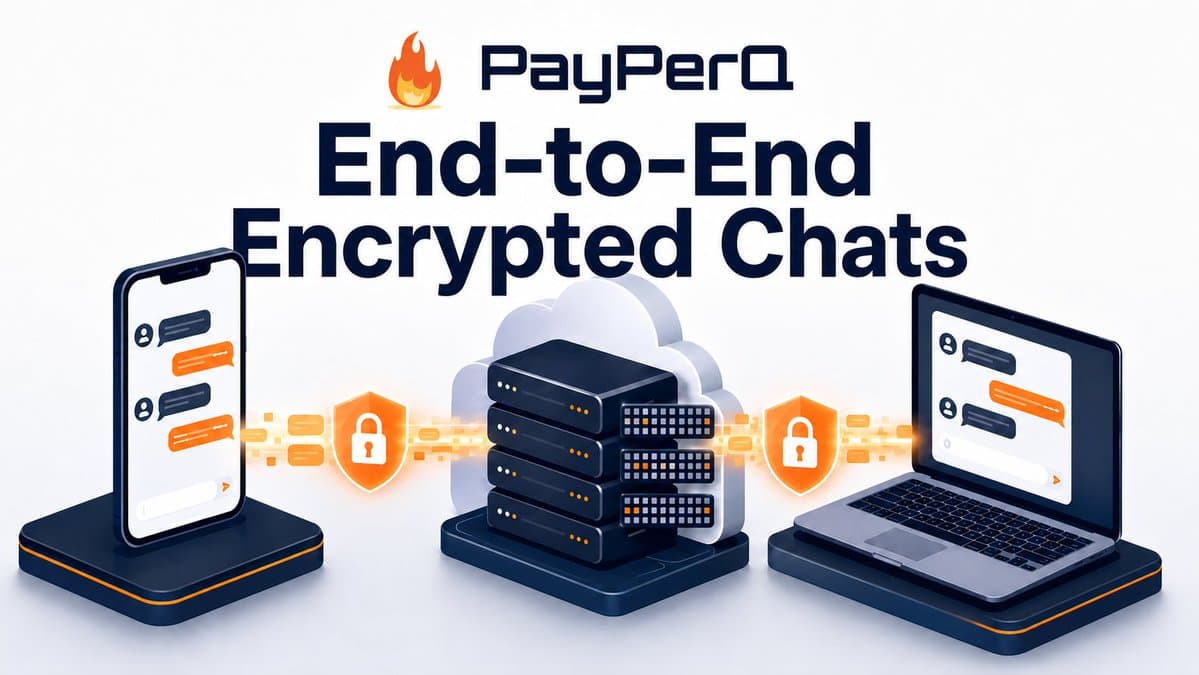
Sign in to PayPerQ with a passkey and your conversation history is encrypted in your browser before it reaches our servers. Sync your chats across devices — but we cryptographically cannot read them.
Privacy has always been core to PPQ. Anonymous crypto payments are preferred, accounts are optional, and conversations are stored locally on your device by default. But "local-only" has a tradeoff: no sync. Switch from your laptop to your phone, and your chat history doesn't come with you unless you manually export and import.
Today we're closing that gap without compromising privacy. Passkey-encrypted chats let you sync your conversation history across devices through PayPerQ's servers — while keeping the contents cryptographically unreadable to us.
What is Passkey-Encrypted Chat?
When you sign in to PayPerQ with a passkey, we use that passkey to derive an encryption key that lives only on your device. Every message in your conversation history is encrypted in your browser with that key before being uploaded for storage. The ciphertext lives on our servers; the key never does.
The result: your chats sync across devices that share the passkey, but PayPerQ has no way to decrypt them. Even if compelled by subpoena, we can only hand over scrambled bytes.
How It Works
The encryption uses the WebAuthn PRF extension — a W3C standard that lets your passkey deterministically produce a high-entropy secret from a fixed salt. Here's the flow:
- Passkey authentication — You sign in with Touch ID, Face ID, a YubiKey, 1Password, or any other passkey-compatible authenticator
- PRF secret derivation — Your authenticator returns a 32-byte secret that's released only to your browser, never to our servers
- Key derivation chain — Your browser runs the PRF output through HKDF-SHA256 to derive an AES-KW wrapping key, which unwraps your account's AES-256-GCM data key
- Client-side encryption — Every message, conversation name, and system prompt is encrypted in the browser with AES-256-GCM before being sent to our save endpoint
- Encrypted storage — Our database only ever sees ciphertext and initialization vectors
The primitives are all NIST/RFC-standardized: WebAuthn PRF (W3C), AES-256-GCM (NIST), HKDF-SHA256 (RFC 5869), AES-KW (RFC 3394). Nothing proprietary, nothing rolled in-house.
Why PayPerQ Cannot Decrypt Your Chats
There are three things our servers never receive:
- The PRF output — Only your authenticator can produce it, and it's released only to your browser
- The unwrapped data key — Derived in your browser at unlock time, never serialized off-device
- The plaintext — Encryption happens before the network request fires
There's also no recovery mechanism, no key escrow, and no master key. If you lose your passkey, your encrypted history becomes permanently inaccessible — even to us. This is the strongest possible evidence the design is honest: we can't restore your chats because the cryptography literally won't let us.
How to Verify the Encryption Yourself
You don't have to take our word for any of this. Here's how to confirm in your own browser, in about two minutes, that only encrypted data leaves your device.
Step 1: Open developer tools
- Chrome / Edge / Brave: press
F12, or right-click anywhere on the page and choose Inspect - Firefox:
Cmd+Opt+I(Mac) orCtrl+Shift+I(Windows/Linux) - Safari: first enable the Develop menu in Safari → Settings → Advanced → Show features for web developers, then
Cmd+Opt+I
Step 2: Switch to the Network tab
In the DevTools panel, click the Network tab. Then click the Fetch/XHR filter so you only see API requests, not images and scripts.
Step 3: Send a distinctive test message
Sign in to PayPerQ with your passkey, start a new conversation, and send a short, memorable message — something like audit test pineapple 12345. The unusual word makes it easy to search for in the next step.
Step 4: Find the save request
Look for a request to /api/messages/batch-save in the Network tab. Click it to open the request details.
Step 5: Inspect the payload
Click the Payload tab (Chrome/Edge) or Request tab (Firefox). You should see a JSON body with fields like:
json{ "messages": [ { "encrypted_content": "8j3xV2K9pQ.../+L4y=", "iv": "Hf3Lp9zR2K==", "role": "user", "sequence_num": 1 } ] }
The encrypted_content field should be a base64 jumble — never your readable message text. Now hit Ctrl+F (or Cmd+F) inside DevTools and search the request for pineapple. You should find zero matches. If your test phrase appeared anywhere in the request body, that would mean the encryption failed — but it won't, because the plaintext never leaves your browser.
Step 6 (optional): Check conversation metadata too
Conversation names and system prompts are also encrypted. Look for a request to /api/conversation/save — the conversation name should appear only as encrypted_name + name_iv, and any system prompt only as encrypted_prompt + prompt_iv. Search those for your conversation title; again, no matches.
A note on the chat completion request
You will see your plaintext in one place: the live request to our chat completion endpoint that forwards your prompt to the LLM provider. This is the caveat noted above — encryption protects your stored history, but the in-flight inference request necessarily transits PayPerQ in plaintext on its way to OpenAI, Anthropic, etc. If you want full end-to-end privacy that covers inference itself, use our TEE models, where prompts are encrypted all the way to a hardware enclave.
Honest Caveats
Marketing copy often hides the limits of a privacy claim. We won't:
- Live LLM traffic is not encrypted to us. Encryption applies to stored conversation history. When you send a message to a model, our server forwards your prompt to the model provider (OpenAI, Anthropic, etc.), which means it transits PayPerQ in plaintext during inference. For full end-to-end privacy that covers the inference itself, use our TEE models, where prompts are encrypted to a hardware enclave that even PayPerQ cannot read.
- Browser-based E2EE is "trust on every load." We ship the JavaScript that performs the encryption. Unlike a signed native app with reproducible builds, every page load is a fresh trust event. The cryptographic standards are open and the shipped code is inspectable in DevTools — but if you want stronger guarantees than that, native clients with reproducible builds (like Signal Desktop) are the gold standard. We're not there yet.
- Lose your passkey, lose your history. No recovery exists, and your encrypted history is tied to that specific passkey — registering a separate passkey or a hardware key like a YubiKey won't unlock it. Keep your passkey in a manager that syncs it across your devices (iCloud Keychain, Google Password Manager, 1Password) so you always have more than one copy of it.
How to Enable It
New users: When you sign up at ppq.ai, choose "Sign in with a passkey." Your conversations will be encrypted from the first message.
Existing email-based accounts: Add a passkey from your account settings. We link the new passkey to your existing account, and encryption activates immediately for new conversations. Older conversations stored only in your browser stay local on that device.
How to Use on PayPerQ
What is PayPerQ?

PayPerQ is a pay-per-query AI service that gives you instant access to hundreds of chat, image, video, and audio AI models in one place. Unlike traditional ChatGPT subscription that charges $20+ per month, PPQ users pay only for what they use—averaging just $4 a month.
Account registration optional. No monthly commitments. Privacy focused. Credit cards and all major cryptos accepted. Just top up with as little as 10 cents and start using premium AI immediately.
Why Use PayPerQ?
- Access hundreds of AI models from all major providers in one place
- Pay per use - no subscriptions, no wasted money on unused credits
- No registration required - start using AI in seconds
- Start small - top up with as little as 10 cents
- Privacy-first - conversational data stored locally by default
- Average cost: ~1 cent per query
Getting Started
- Visit ppq.ai
- Top up your balance (crypto or credit card, as little as 10 cents)
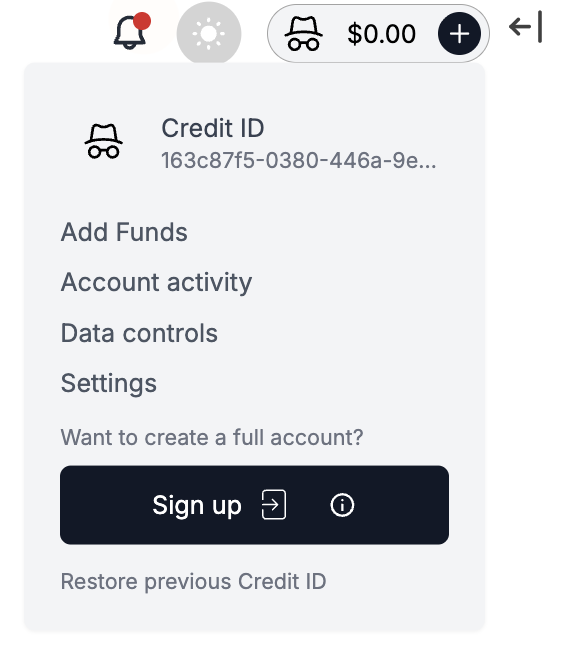
- Sign in with a passkey to enable encrypted chat sync — or skip account creation entirely and use PPQ anonymously
No account creation needed—just fund and go.